¶ Purpose
Set up OpenBao with Keycloak as the identity provider. Create a non-root admin user capable of managing policies, auth methods, and secret engines, while avoiding the root token.
¶ Prerequisites
- Working OpenBao instance (UI accessible)
- Keycloak realm and admin access
- HTTPS accessible OpenBao URL
- Basic understanding of OpenBao policies and roles
¶ 1. Create OIDC client in Keycloak
- In Keycloak Admin:
- Client ID: openbao
- Client Protocol: OpenID Connect
- Access type: Confidential
- Standard flow: ON
- Direct access grants: OFF
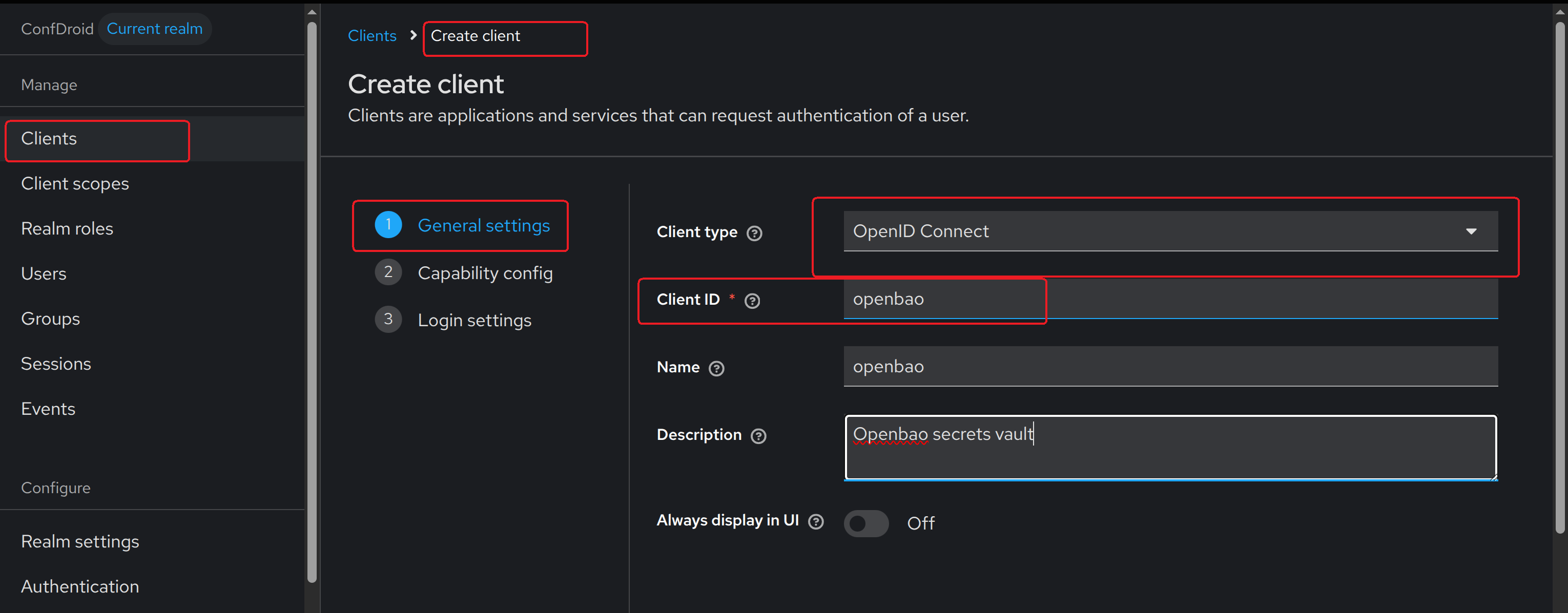

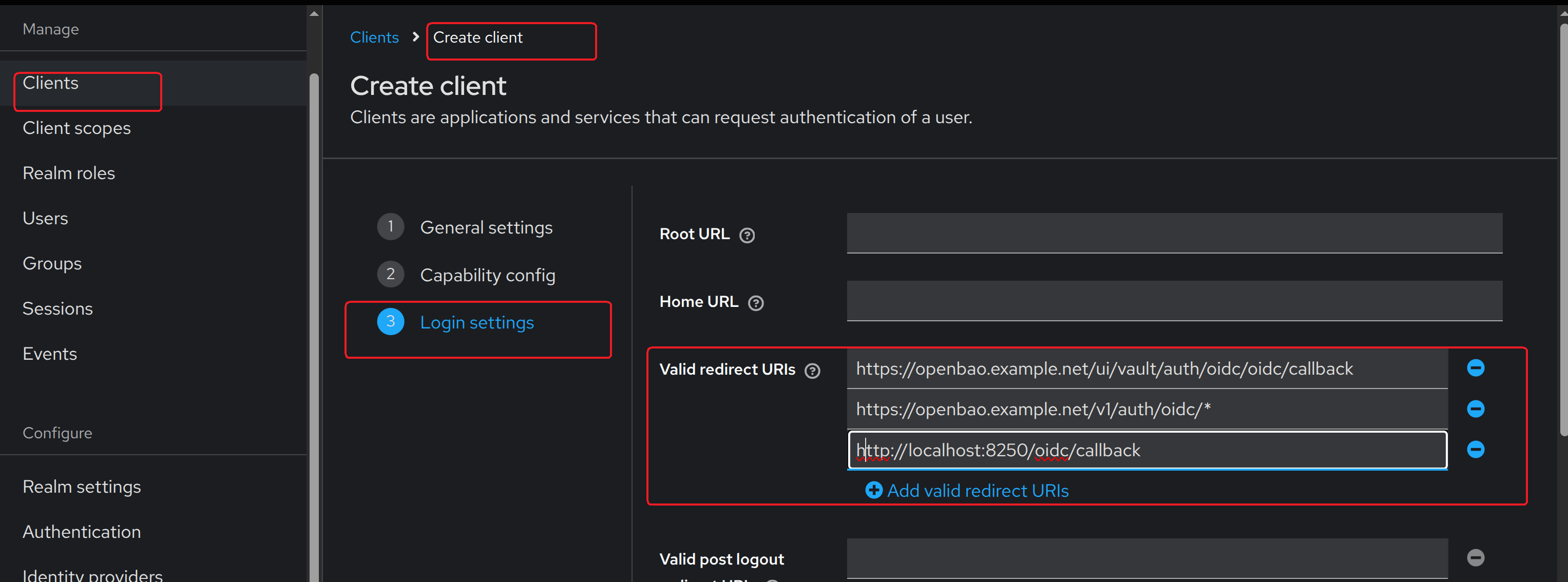
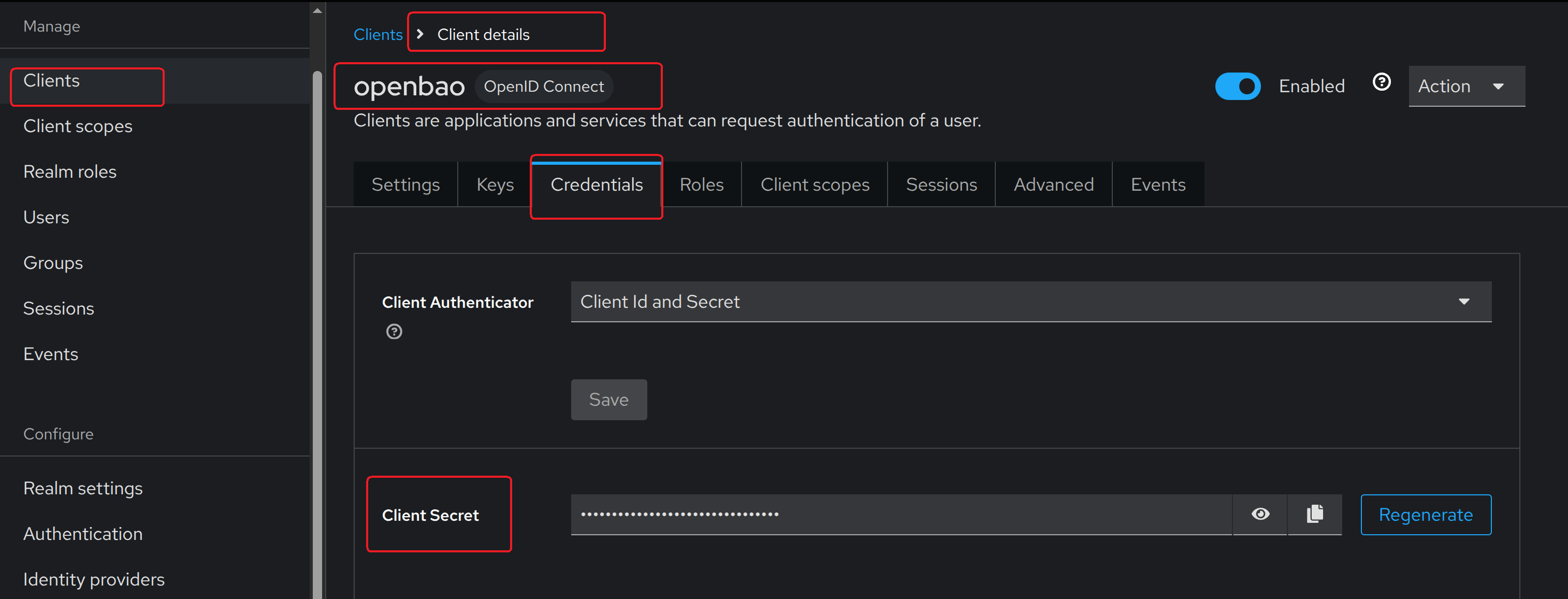
- Create client secret and store securely:
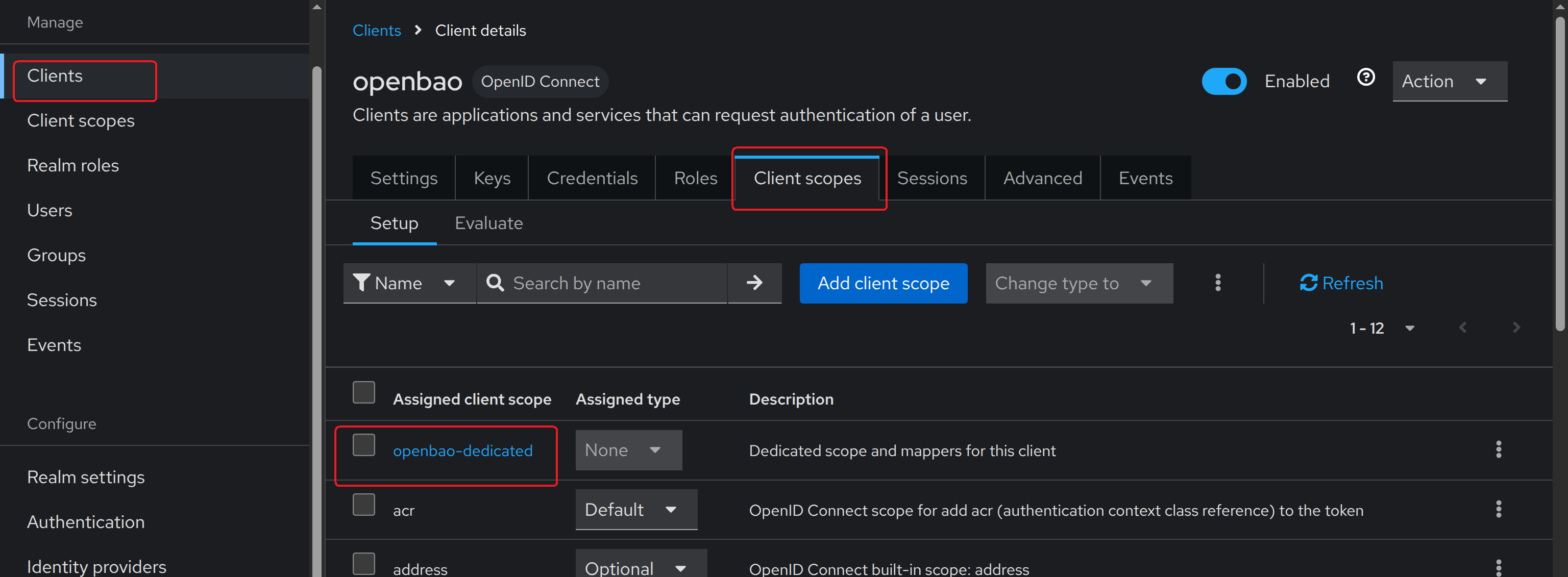
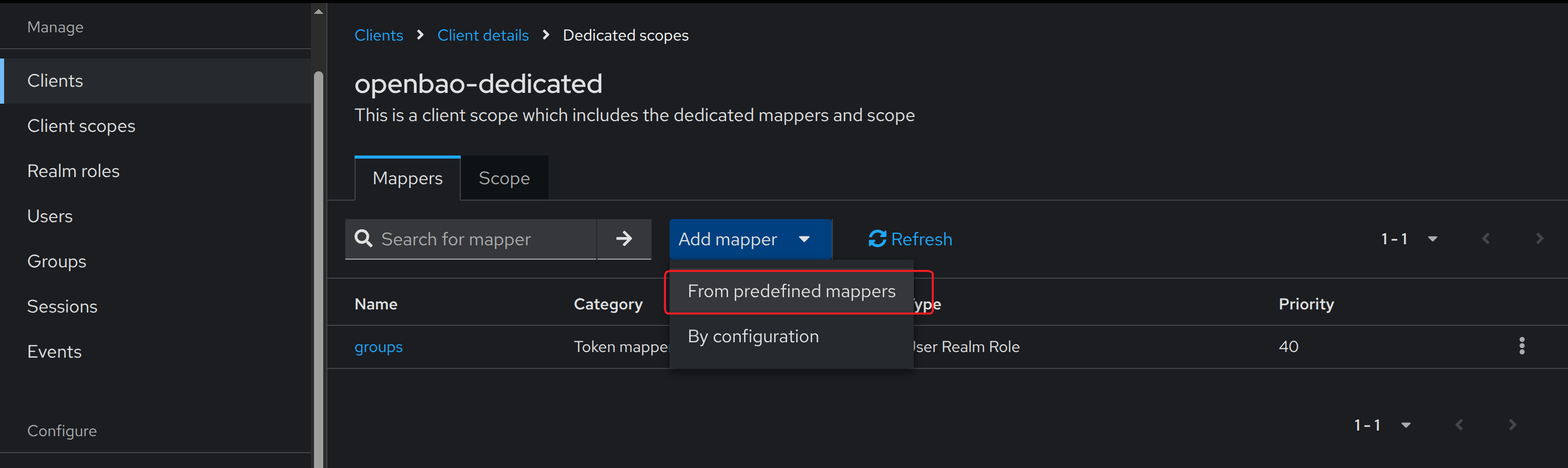
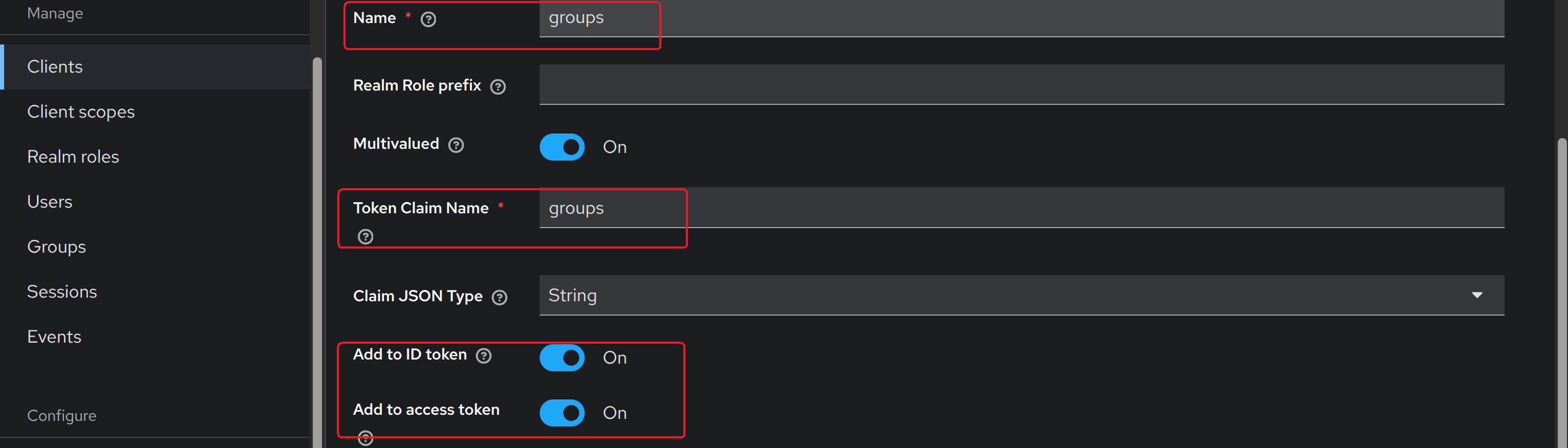
- Configure group claim mapper:

¶ 2. Enable OIDC in OpenBao
Login via UI as root to the namespace to be used by your organisation. Create one if not done yet:
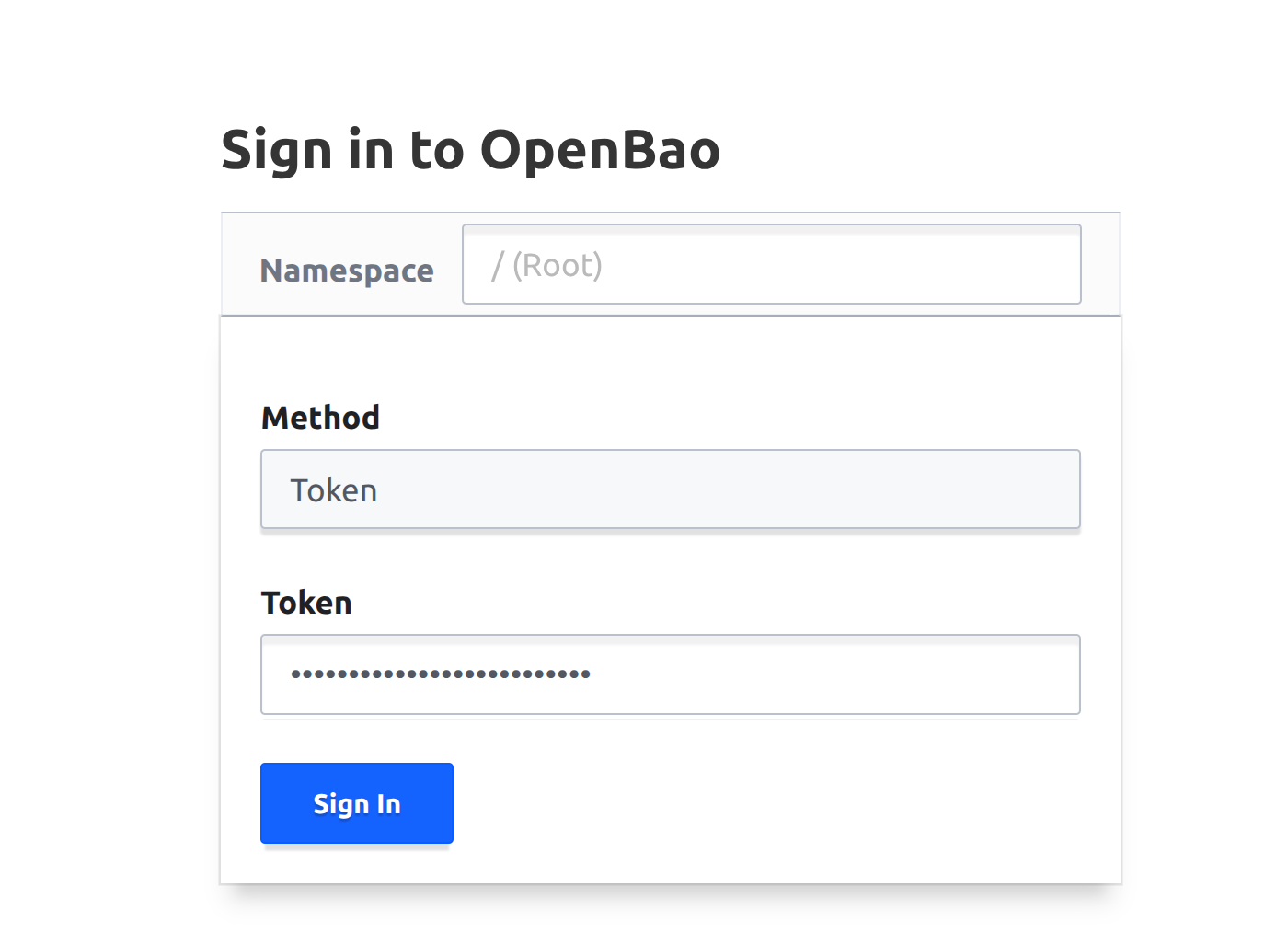
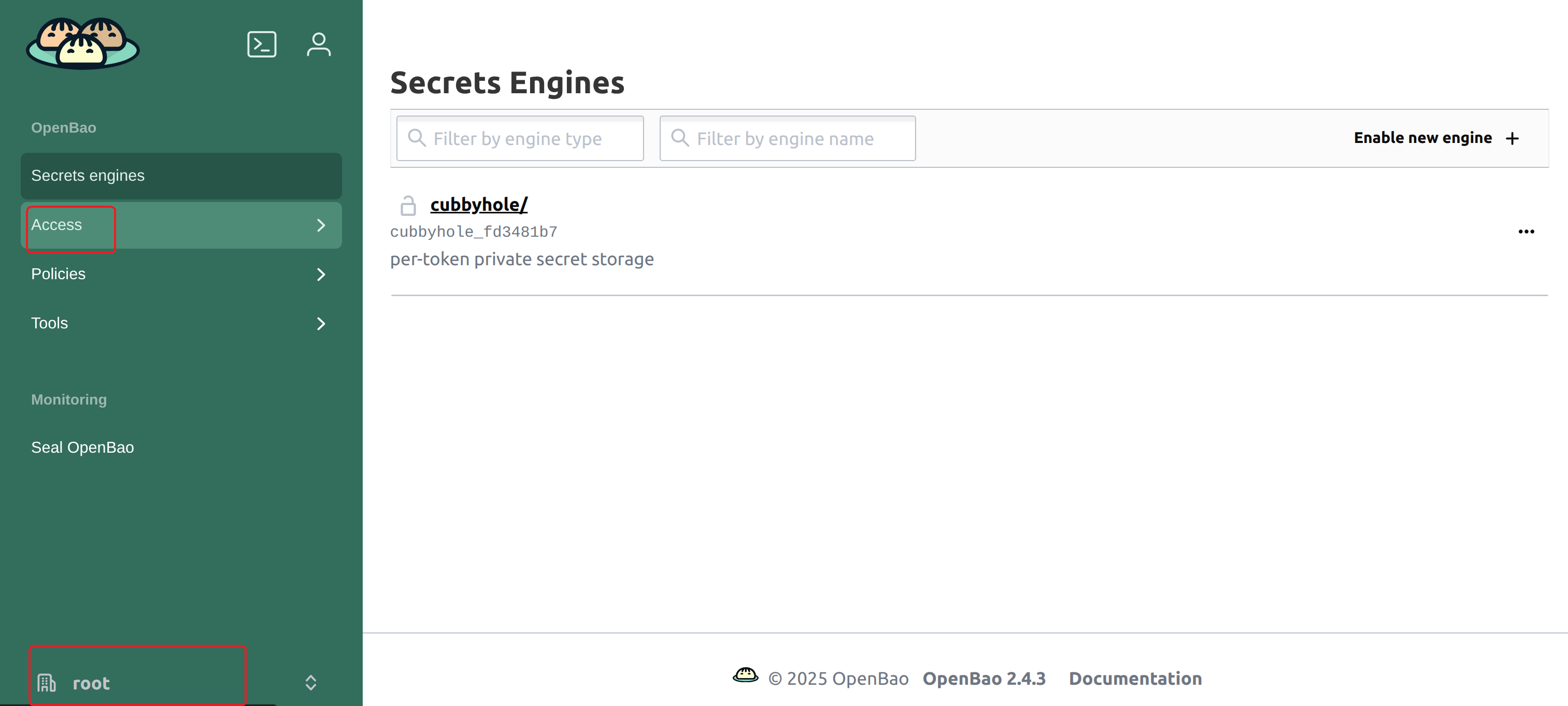
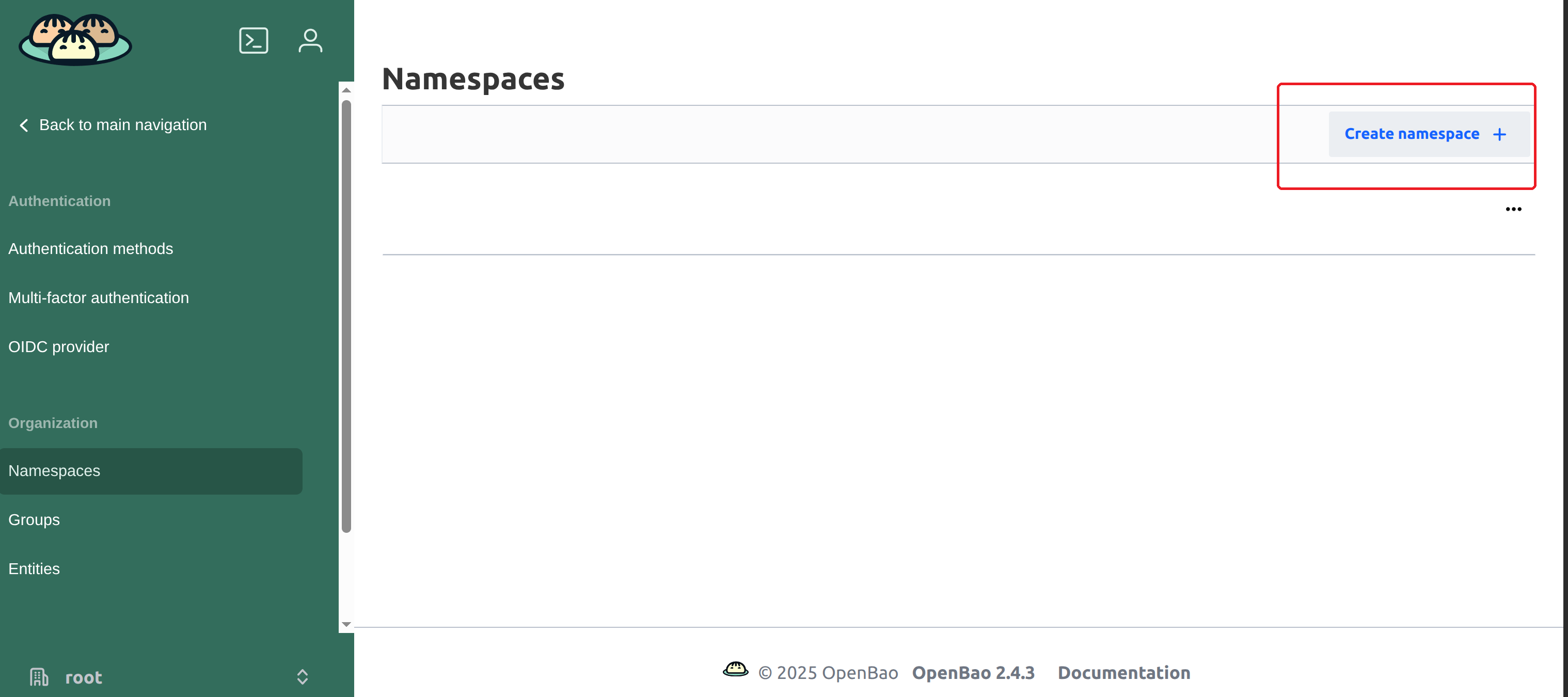
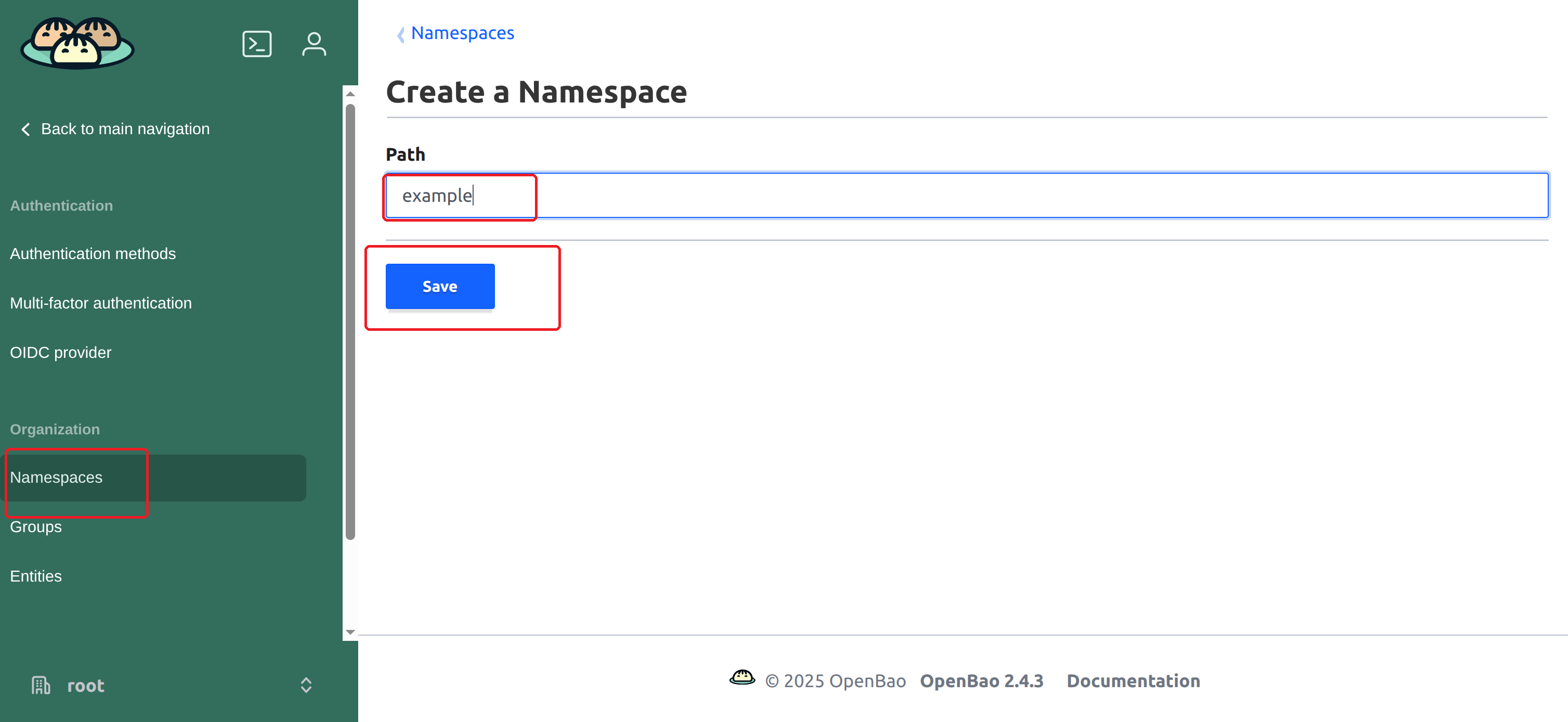
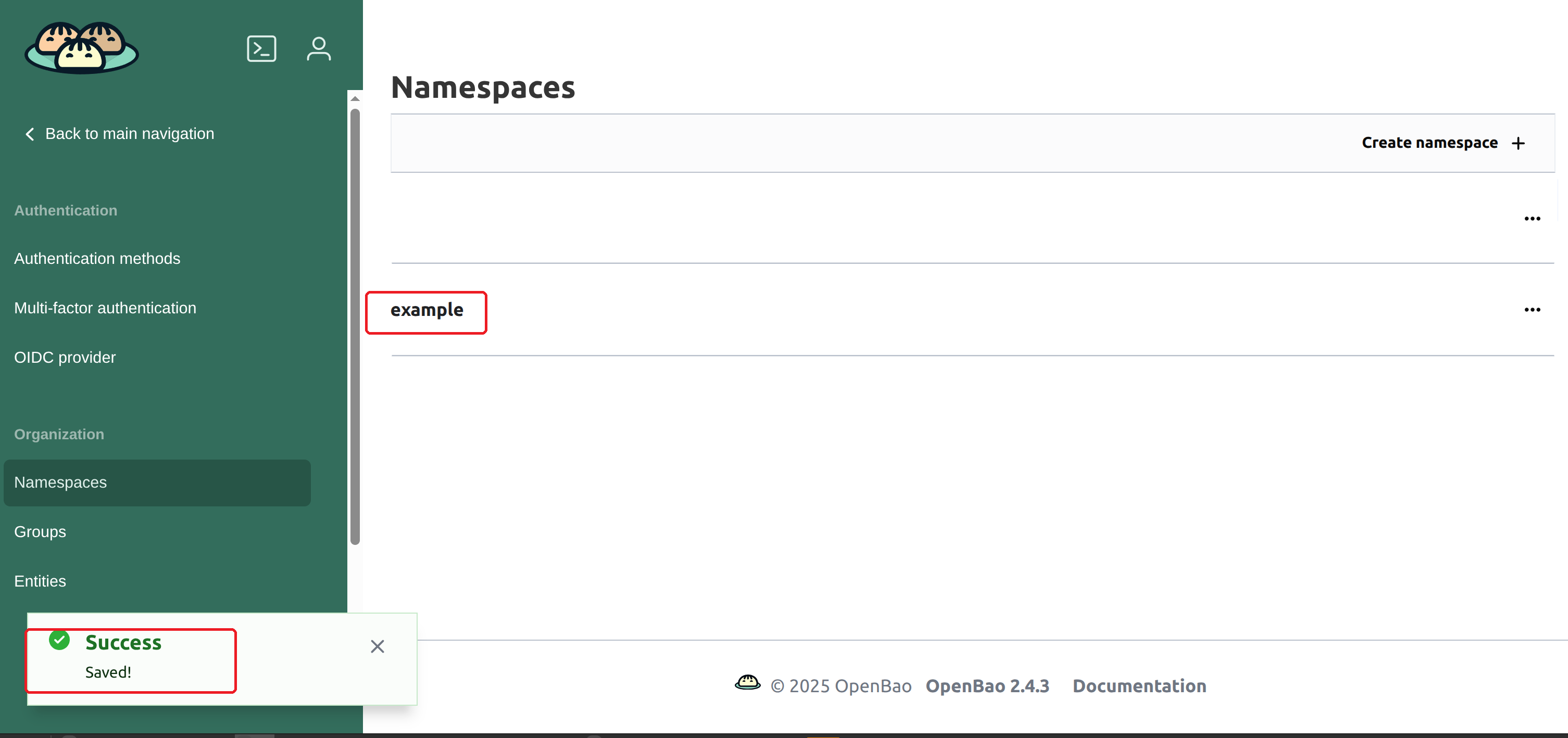
Now refresh the page to login to that namespace:
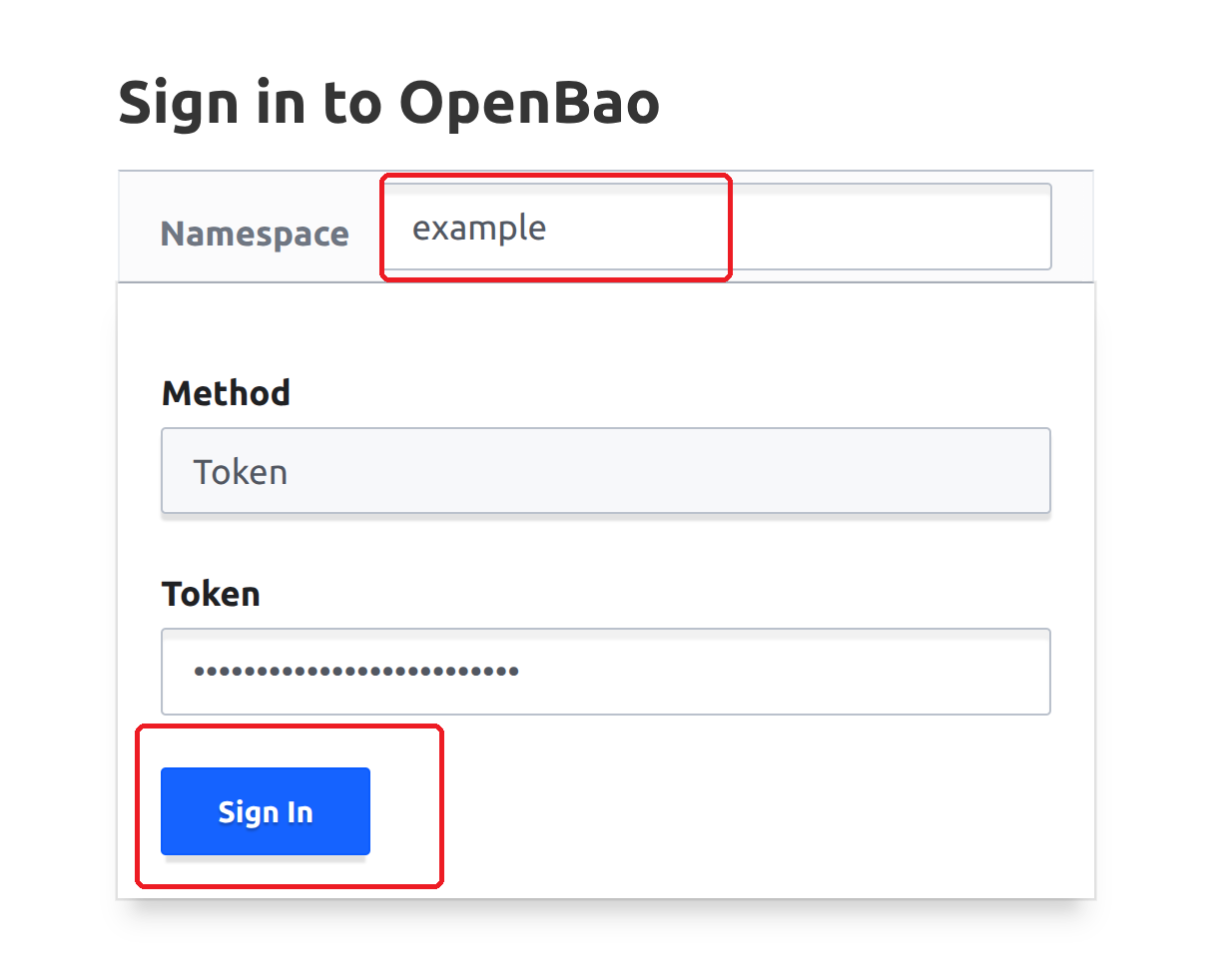
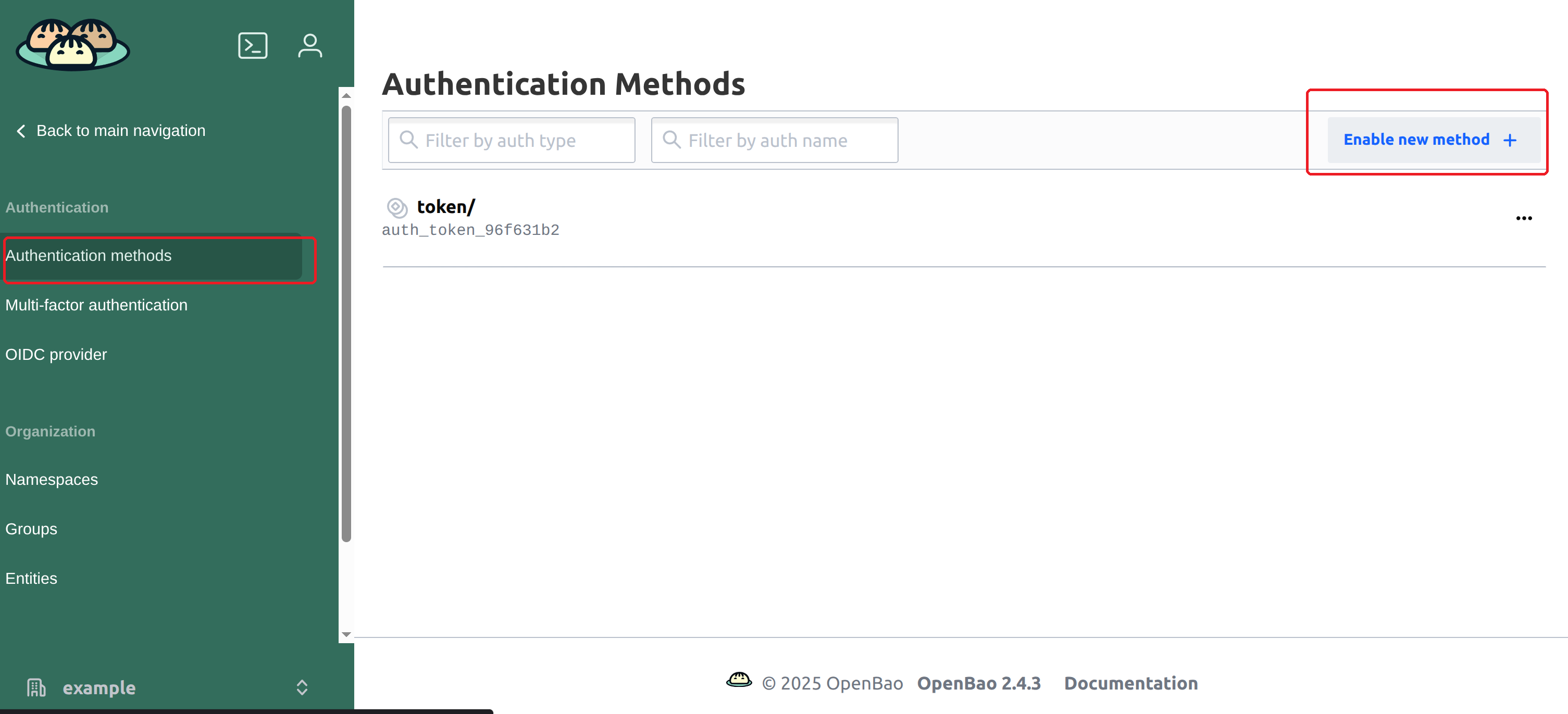
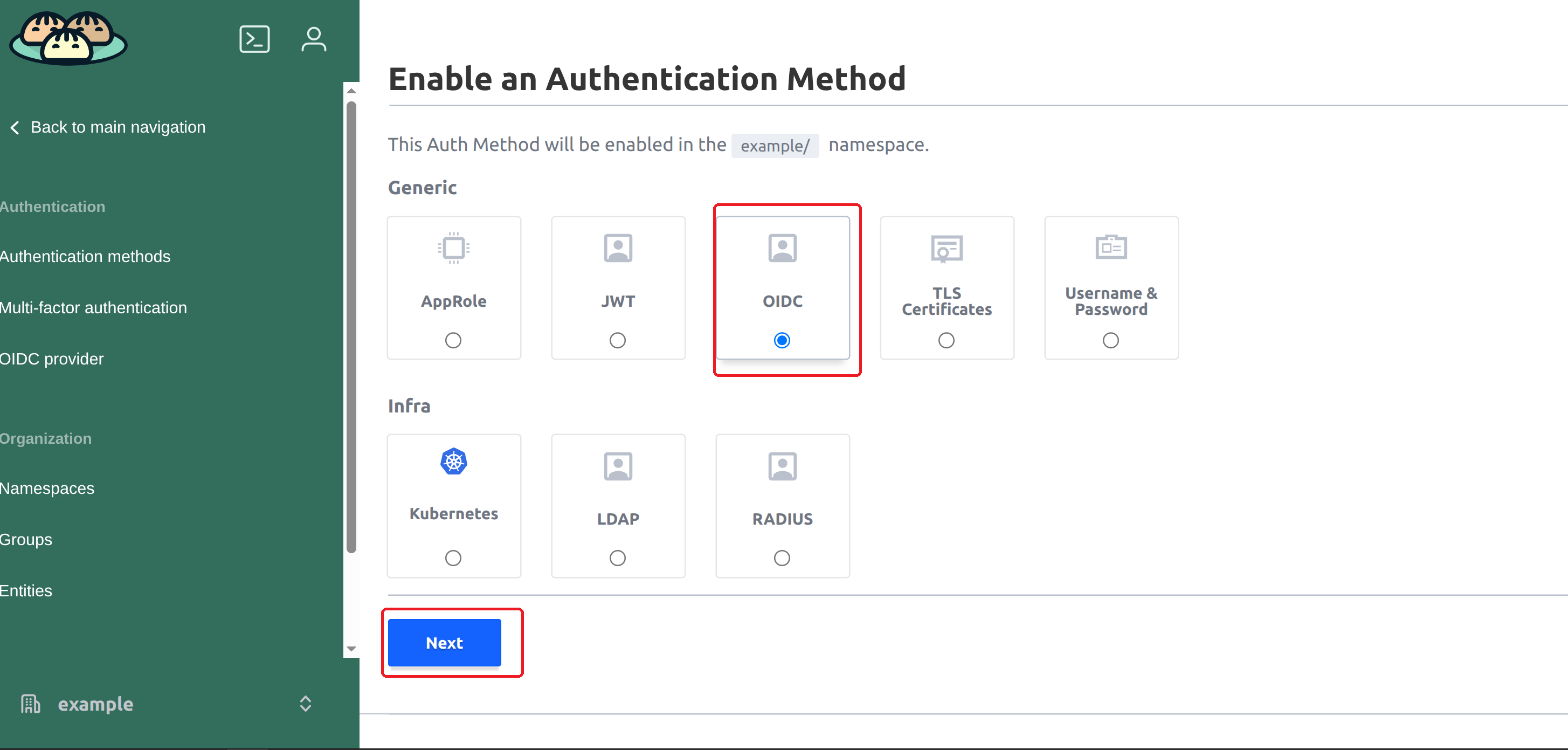
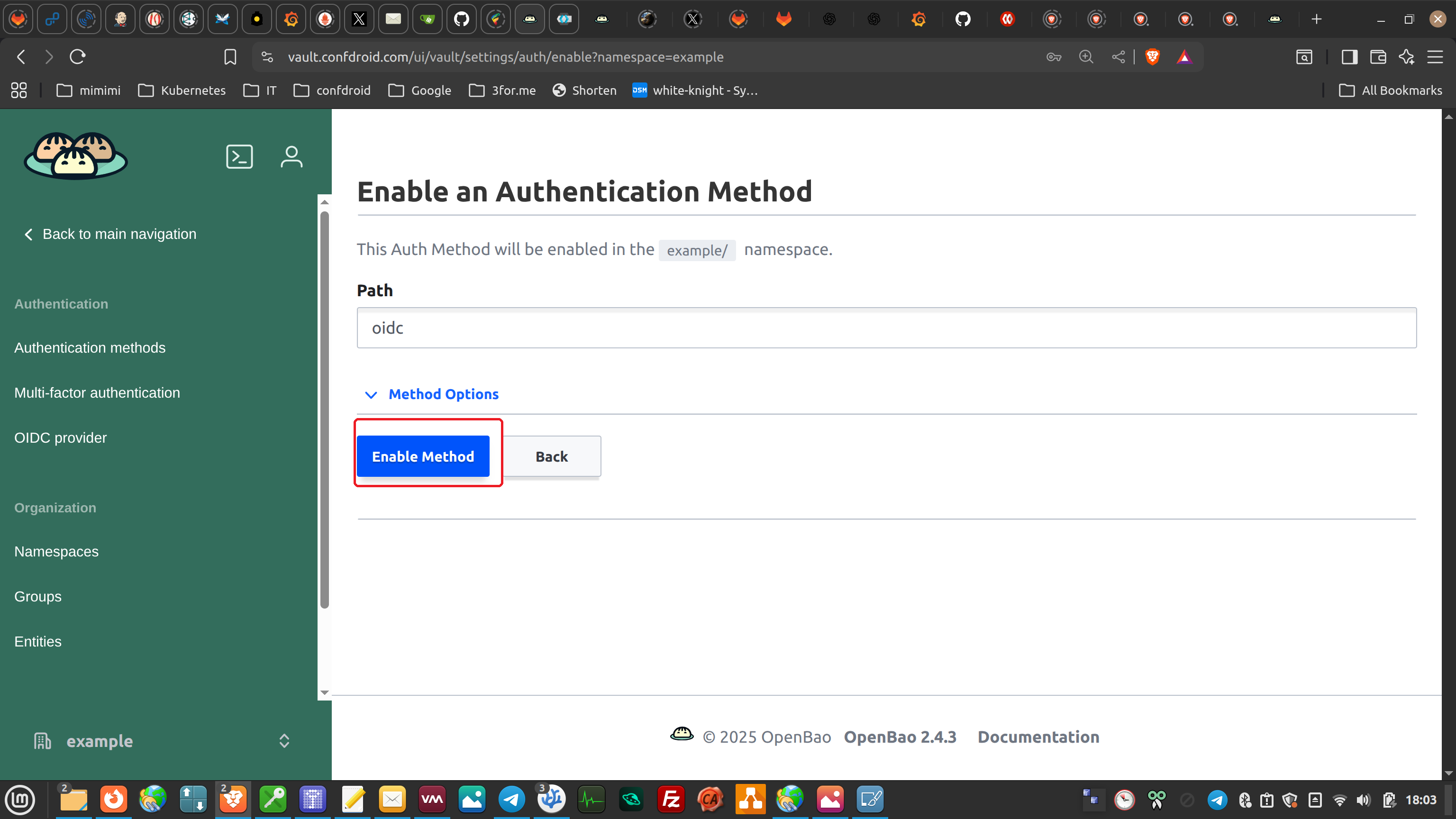
You now arrived at the actual config screen:
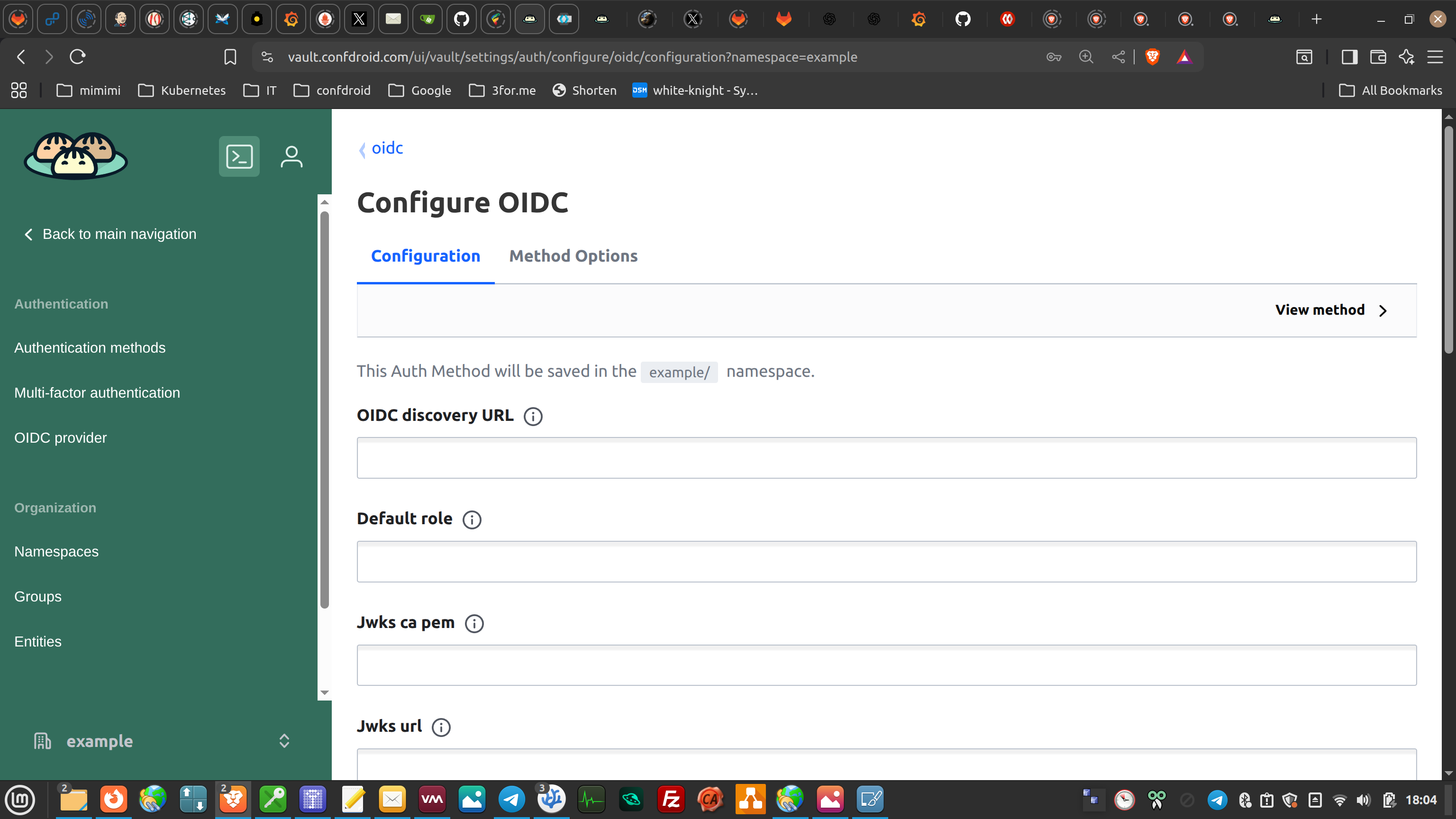

But from here we'll use the cli.
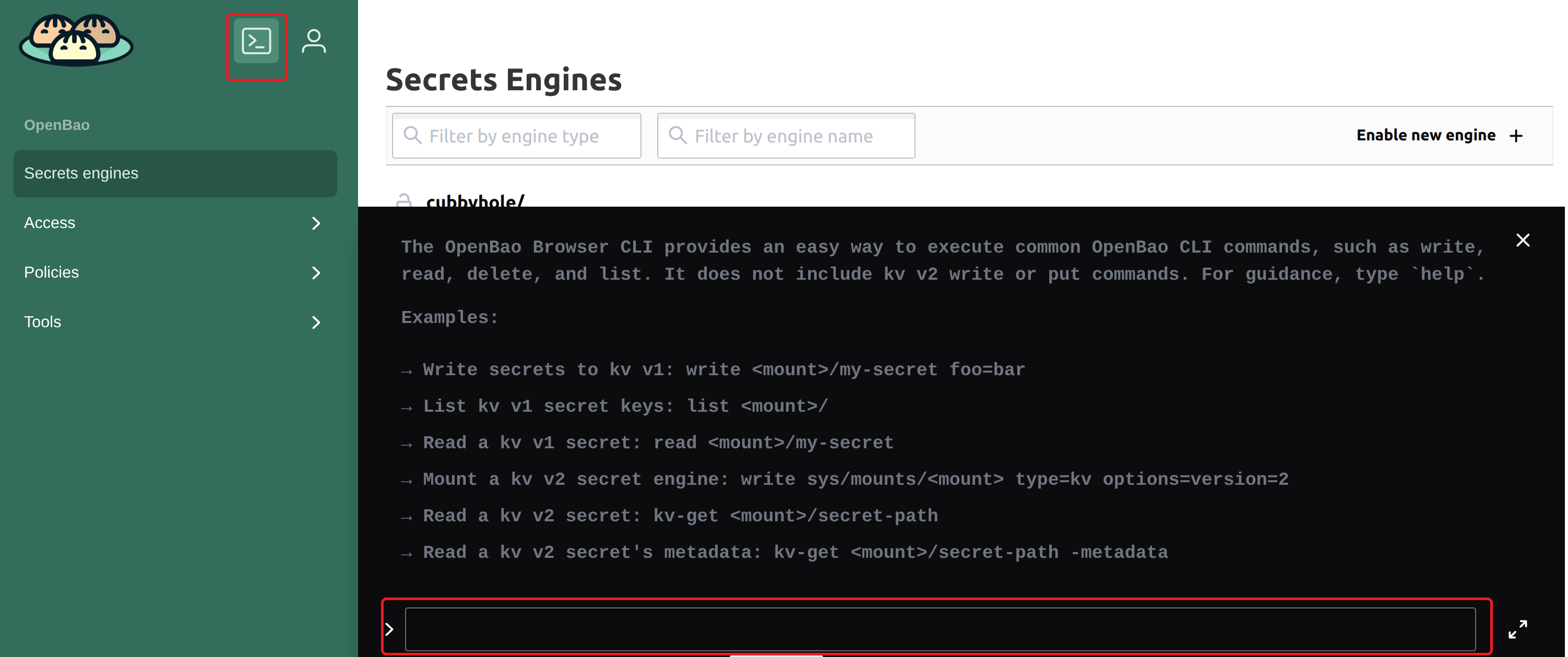
Configure the oidc settings:
bao write auth/oidc/config \
    oidc_discovery_url="https://<keycloak-host>/realms/<realm>" \
    oidc_client_id="openbao" \
    oidc_client_secret="<client-secret>" \
    default_role="default"
And that is (almost) it.
¶ 3. Create the admin policy
- Policy name: admin
- Capabilities:
- full access to all secrets
- auth method management
- policy management
In the web-UI:
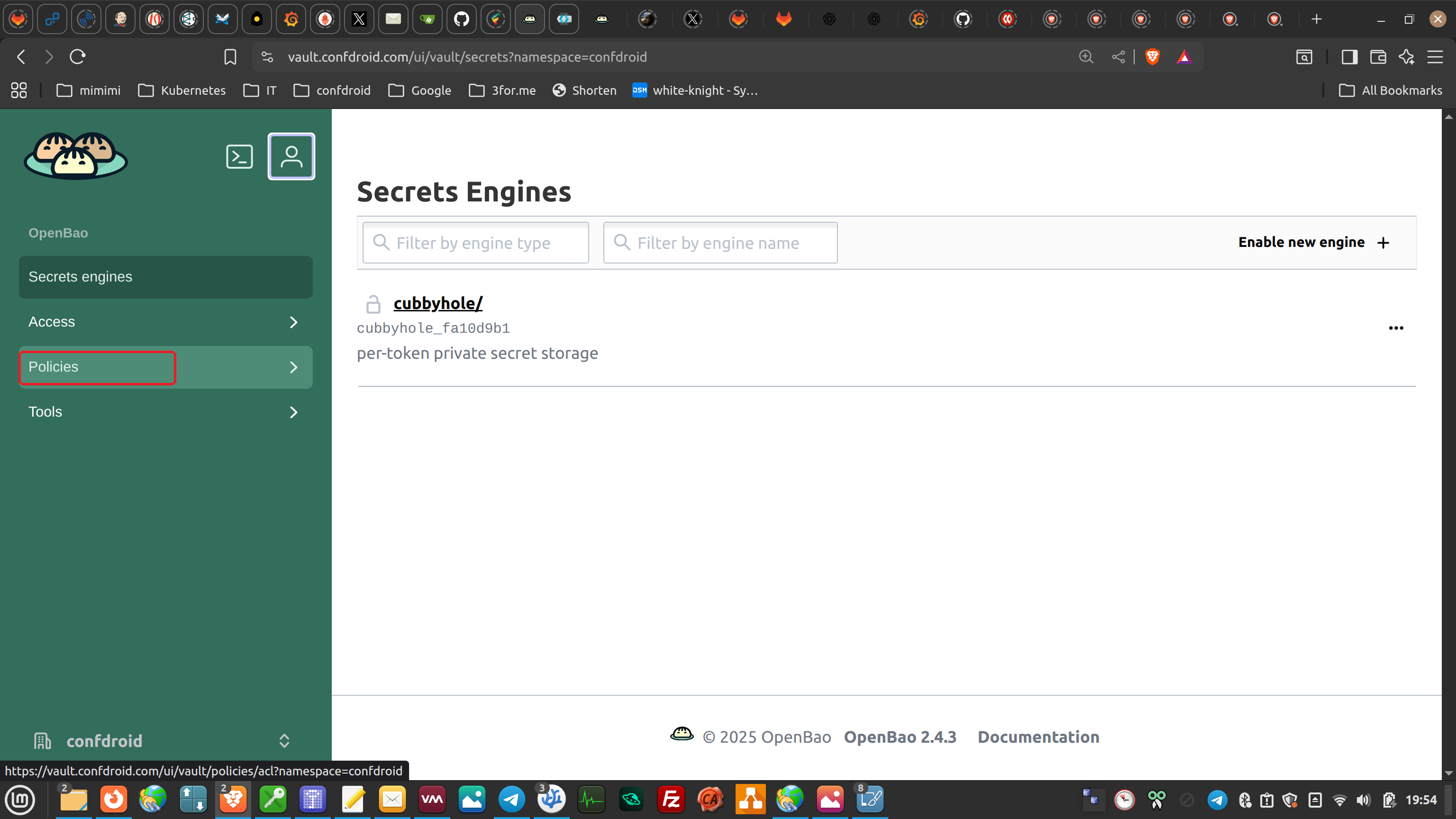
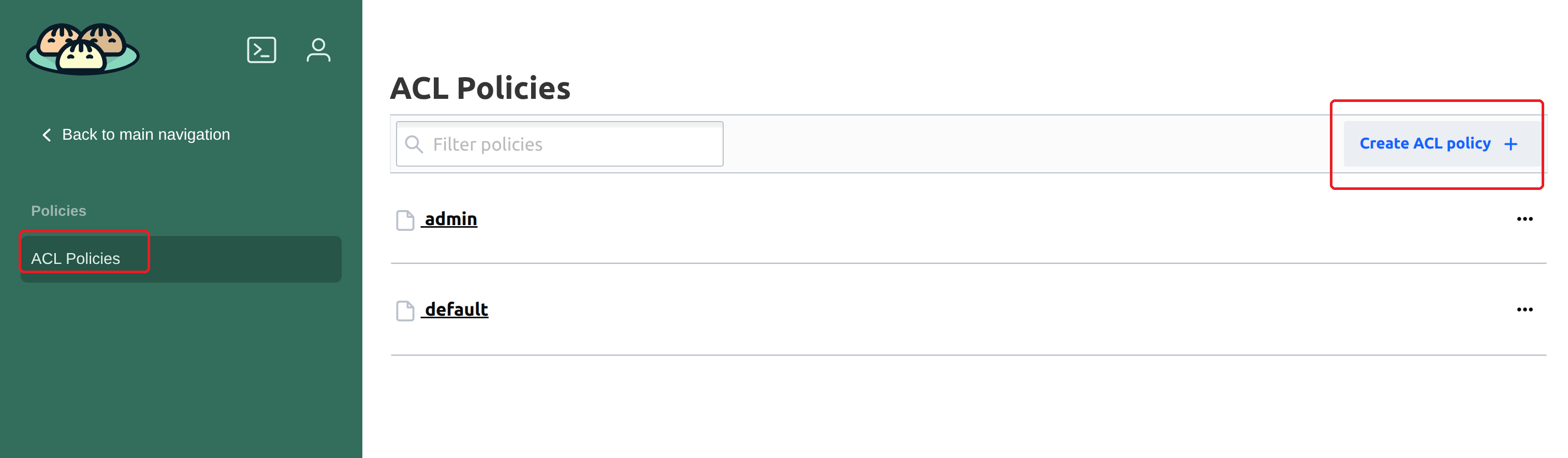
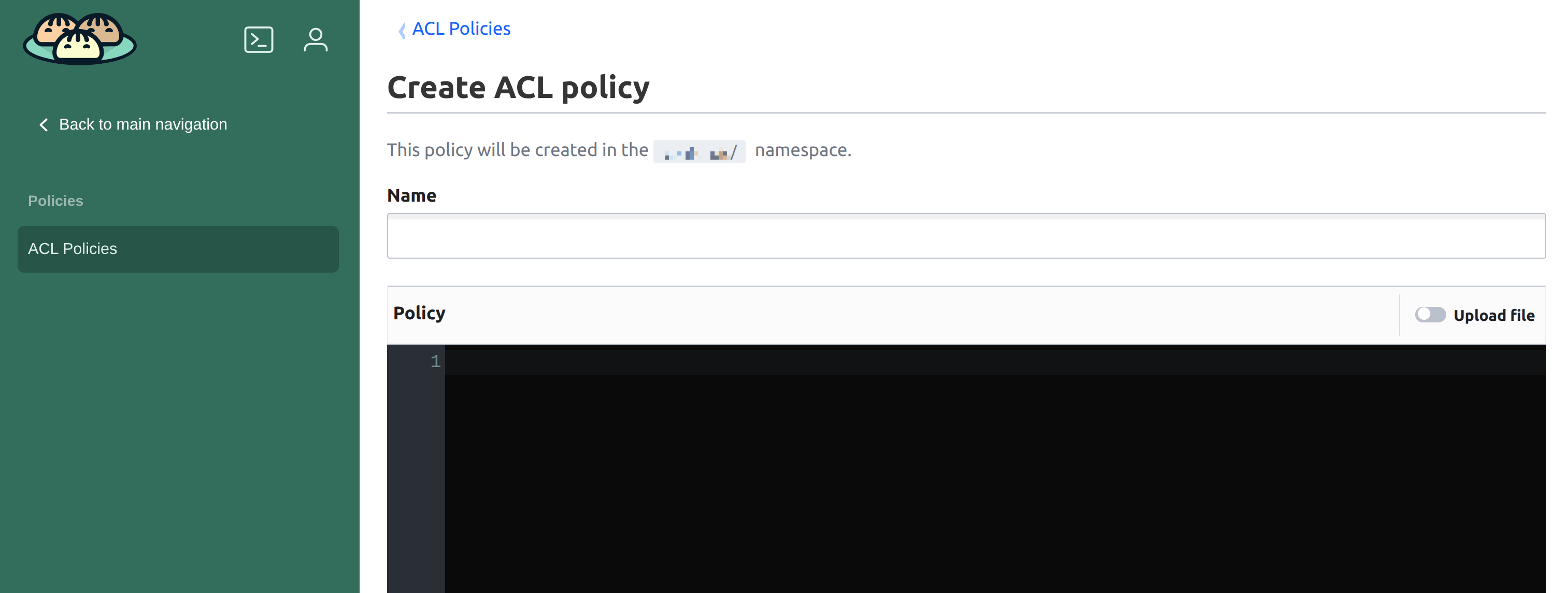
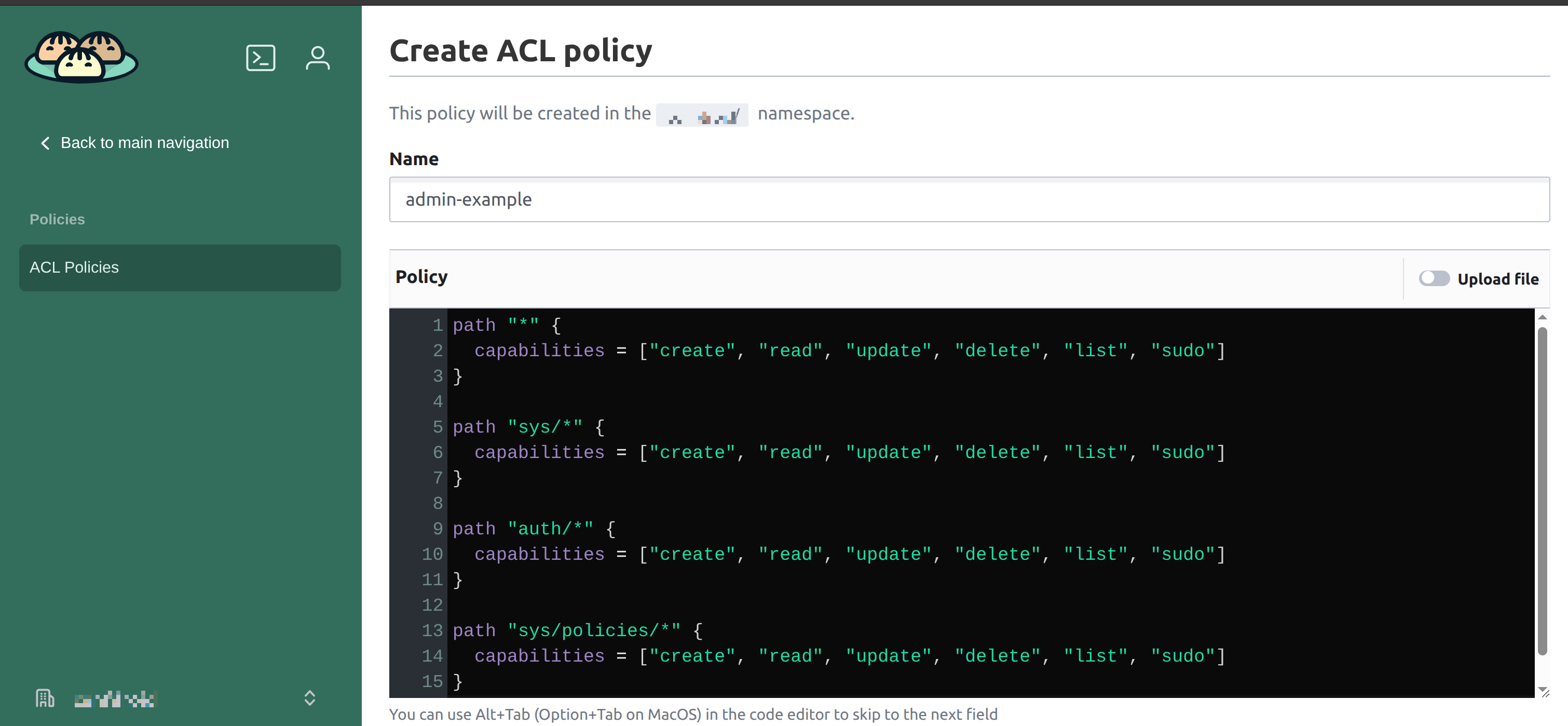
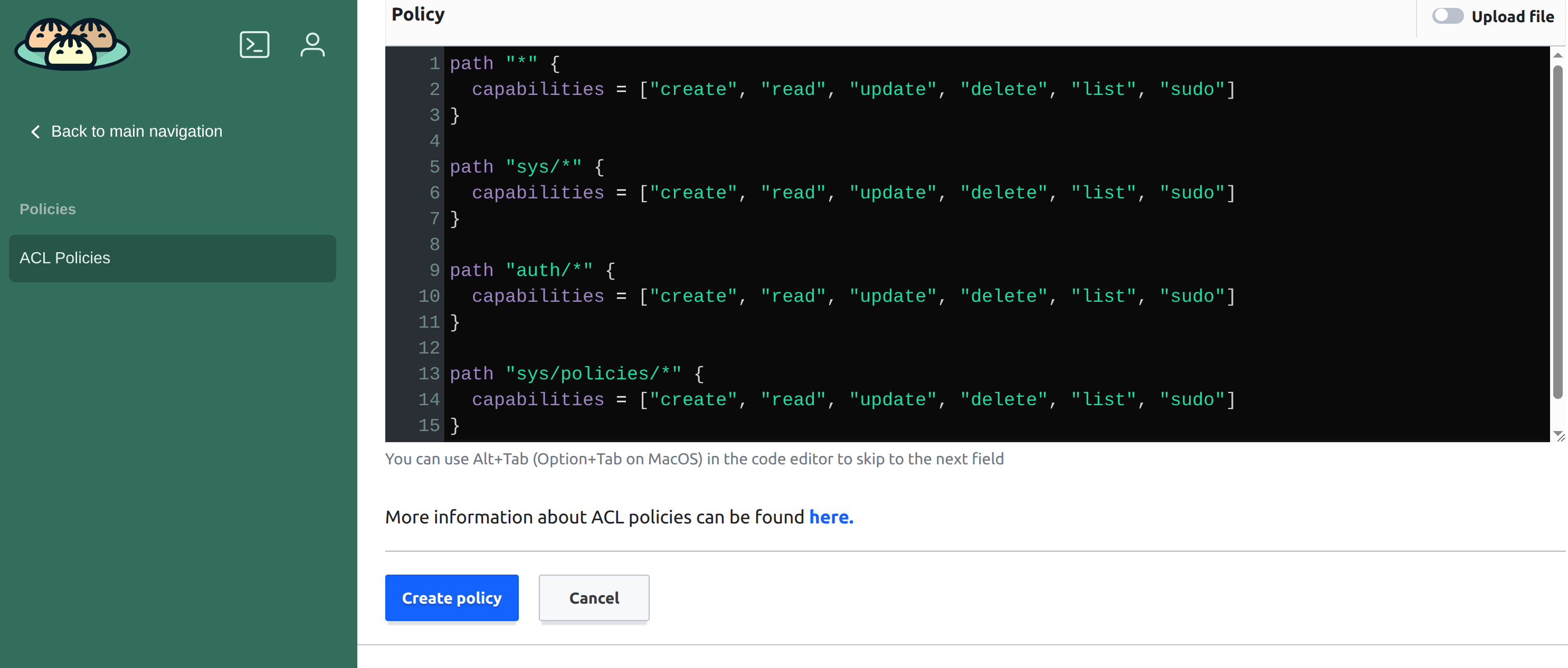
Of course you could slso just create an .hcl file and simply upload that here as file.
path "*" {
  capabilities = ["create", "read", "update", "delete", "list", "sudo"]
}

path "sys/*" {
  capabilities = ["create", "read", "update", "delete", "list", "sudo"]
}

path "auth/*" {
  capabilities = ["create", "read", "update", "delete", "list", "sudo"]
}

path "sys/policies/*" {
  capabilities = ["create", "read", "update", "delete", "list", "sudo"]
}

¶ 4. Create OIDC Admin Role
- Maps Keycloak groups → OpenBao policy
- Example:
bao write auth/oidc/role/openbao-admin \
    allowed_redirect_uris="https://<openbao-host>/ui/oidc/callback" \
    user_claim="preferred_username" \
    groups_claim="groups" \
    bound_claims='{"groups":["openbao-admins"]}' \
    policies="admin" \
    ttl="1h"
- Notes:
- Users in openbao-admins Keycloak group receive admin policy
- TTL defines how long the token is valid (refresh on login)
¶ 5. Test Login
- Log out if already logged in
- Log in via UI using OIDC